
Recognized Tempo partner

Global Tempo partnership for Jira
Ovyka supports organizations that want to select, deploy and operate the Tempo suite in Jira with a commercial, structured and sustainable approach.
Ovyka helps you identify the right Tempo modules for your Jira context: Timesheets for time tracking, Structure PPM for portfolio views, Capacity Planner for capacity, and Financial Manager for costs and budgets. Tempo also recognized Ovyka in its 2022 Partner Awards with the Best in Customer Retention award.
Tempo
Four Tempo products for four complementary needs
Start with the priority use case, then combine products when time, portfolio, capacity, and financial data need to work together.
 Tempo Timesheets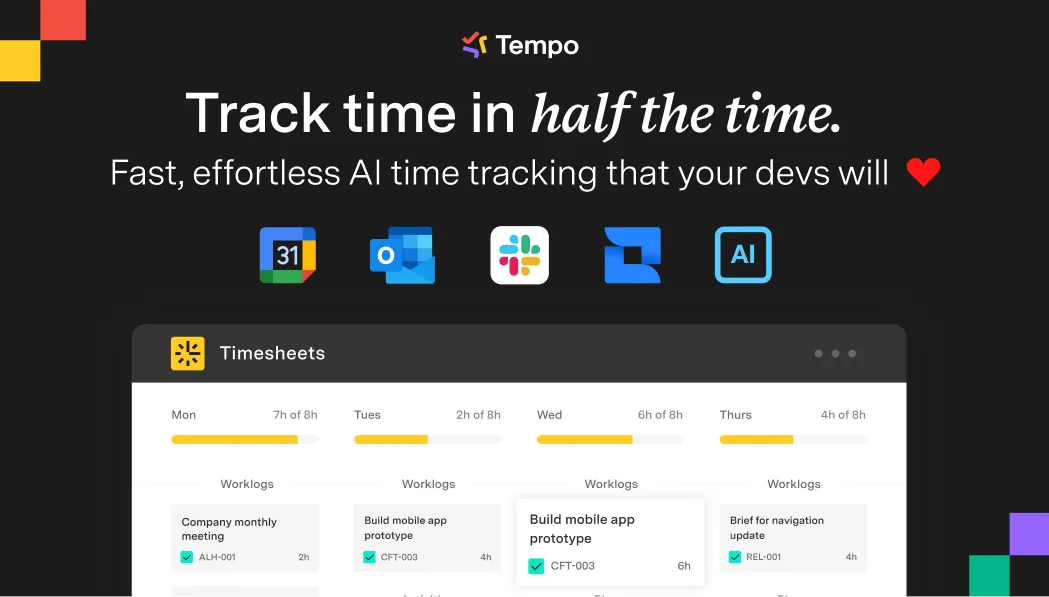
Time tracking, approvals, accounts, billable work, CapEx/OpEx and Jira reporting.
Make logged time, approvals, and operational or financial reporting data more reliable.
 Structure PPM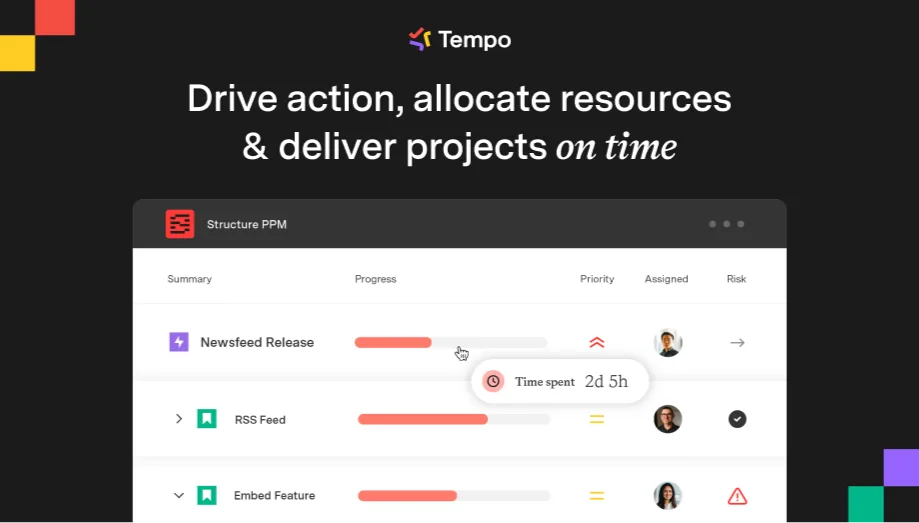
Jira hierarchies, portfolio views, rollups, formulas and PPM reporting.
Consolidate multiple Jira projects into views for teams, program owners, and leadership.
 Capacity Planner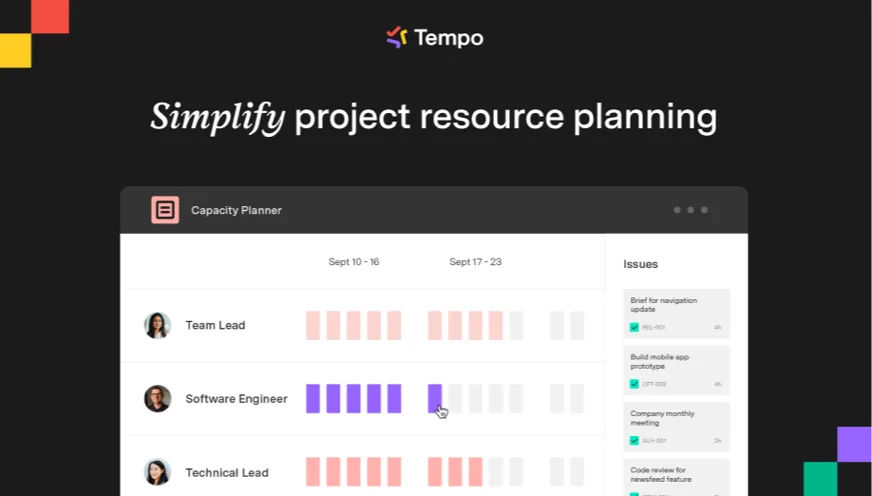
Capacity, availability, allocations, and planned-versus-actual comparison.
Balance workload and allocations before commitment, then track gaps against Jira data.
 Financial Manager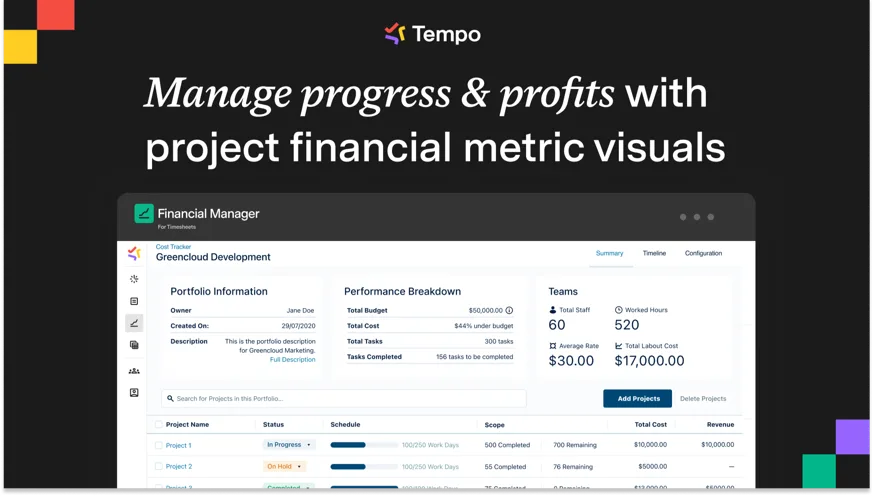
Budgets, costs, revenue, expenses, and financial steering from Jira.
Connect project tracking with costs, budgets, rates, and forecasts for financial oversight.
Selection and licensing
Choose the Tempo offering without oversizing the scope
Ovyka reviews your Jira environment, target user groups, and expected decisions before recommending products and licensing scope.
- Qualify needs, users, available data, and responsibilities
- Compare Tempo products with one another and with capabilities already available in Jira
- Prepare a focused demo and a progressive rollout scenario
- Frame licensing, configuration, adoption, and support for the selected scope
Partnership / licensing / demos
Why work with Ovyka on Tempo?
Ovyka helps select the right modules, prepare licensing, configure products and install practices that keep Tempo useful over time.
Use-case demos
Present Timesheets, Structure PPM, Capacity Planner, or Financial Manager from your actual needs rather than a generic walkthrough.
Solution choice
Compare Tempo modules with plans in Jira Premium, Jira Align, or other apps depending on the required planning depth.
Controlled rollout
Build accounts, hierarchies, scopes, approvals, permissions, reports and governance with business teams.
Demos, licensing and adoption
Prepare a useful demo, size licenses and support teams after launch.
Tempo suite
Which products should you evaluate first?
Each Tempo product answers a different business question. Ovyka helps define the right rollout order.
How much time and for what?
Tempo Timesheets covers reliable worklogs, approvals, activity reporting, billing and finance.
How do we read a Jira portfolio?
Structure PPM organizes issues into hierarchies, consolidated views and stakeholder-ready reports.
How do we manage costs and capacity?
Financial Manager and Capacity Planner connect budgets, resources, forecasts and actuals to Jira data.
Ovyka
Ovyka support
Ovyka secures Tempo by connecting license choice, Jira configuration, management rules, reporting data and team adoption.
- 01 Qualify time, capacity, portfolio, cost, licensing and reporting needs
- 02 Recommend Tempo products that fit the scope and Jira maturity
- 03 Organize commercial demos focused on actual use cases
- 04 Configure selected modules according to Tempo and Atlassian operating practices
- 05 Build views, dashboards, exports and adoption material
- 06 Train teams and adjust the setup after the first cycles
Licensing / support
Licensing, support, and governance
The Tempo scope must stay aligned with Jira size, user populations, selected products and reporting maturity.
- Module selection and license-sizing advice
- Demos, scoping workshops and comparison with Jira alternatives
- Jira and Tempo administrator support
- Dashboard, Structure PPM view and export optimization
- Support for Timesheets, capacity, finance or portfolio evolution
Vendor recognition
Ovyka, a Tempo partner recognized for customer retention
Tempo recognized Ovyka in its 2022 Partner Awards with the Best in Customer Retention award. This reflects our approach: scope the right Tempo product, secure licensing, implement cleanly in Jira and support administrators and business teams after go-live.
FAQ
Frequently asked questions about Tempo
The right combination depends on your Jira usage, data maturity, and the decisions teams need to make.
Which Tempo product should be evaluated first?
Timesheets addresses time tracking, Structure PPM portfolio management, Capacity Planner capacity planning, and Financial Manager financial steering. Ovyka starts from your priority decision to recommend an evaluation order.
Can several Tempo products be rolled out progressively?
Yes. A progressive rollout helps stabilize data, management rules, and adoption before adding a complementary need. Integrations between products are framed around the selected path.
Does Capacity Planner require Tempo Timesheets?
Capacity Planner can be used for capacity planning without Timesheets. Timesheets becomes useful when you want to compare planned work with time actually logged.
Does Structure PPM replace plans in Jira Premium?
The two approaches can address different needs or complement each other. Ovyka compares hierarchies, views, reporting, capacity, and governance before recommending the right model.
Can Ovyka help with demos, licensing, and support?
Yes. Ovyka prepares demos around your use cases, frames the licensing scope, configures selected products, and supports administrators and business teams.
Ovyka × Tempo
Need to select or rationalize your Tempo suite?
Share your time, portfolio, capacity, and financial management needs. We will help define a combination aligned with your Jira environment.
Atlassian Marketplace
Other Atlassian Marketplace partners
Complete Tempo with test management, cross-tool synchronization, or identity.